The Home Lab Revolution: Gitea
For years, I treated GitHub and GitLab as the unquestioned industry standards tools I used daily without a second thought. Recently, I’ve been self-hosting the GitLab Open Source edition; while powerful, it’s a heavy lift to deploy and a constant chore to maintain. However, I recently stumbled upon a lightweight alternative that was a total eye-opener and it’s a game-changer for anyone seeking a leaner on-premise Git solution.
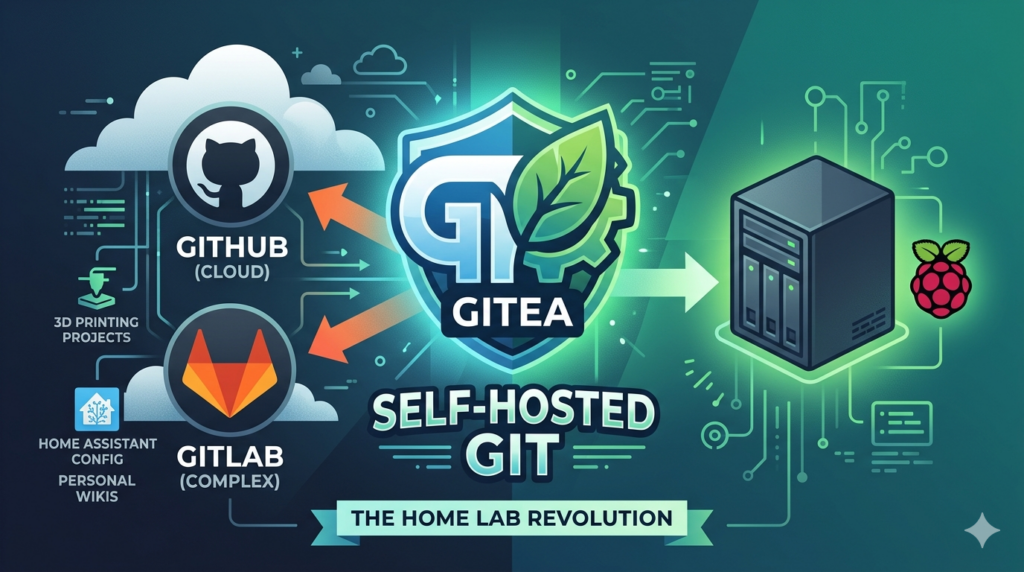
Before you write it off as I don’t need on-Prem Git, what I have works fine, consider there are a few key features that are not so easy to come by on hosted platforms.
The Killer Feature
This is by no means the only reason why Gitea might be on interest, however for me it’s not something I’ve even considered before and I find it fascinating that’s it’s not really even mentioned as a headline feature (as far as I can see).
Migrations and Repository Mirroring
So I had around 100 source code repositories spread over GitHub and GitLab, many of which historically were public. After having made all but one private as a result of the new CRA/PLD legislation, I was faced with not longer needing the liability of having all that code in a public cloud. After wondering idly whether Gitea (which I was experimenting with) had any sort of import facility, I stumbled upon Create -> New Migration …
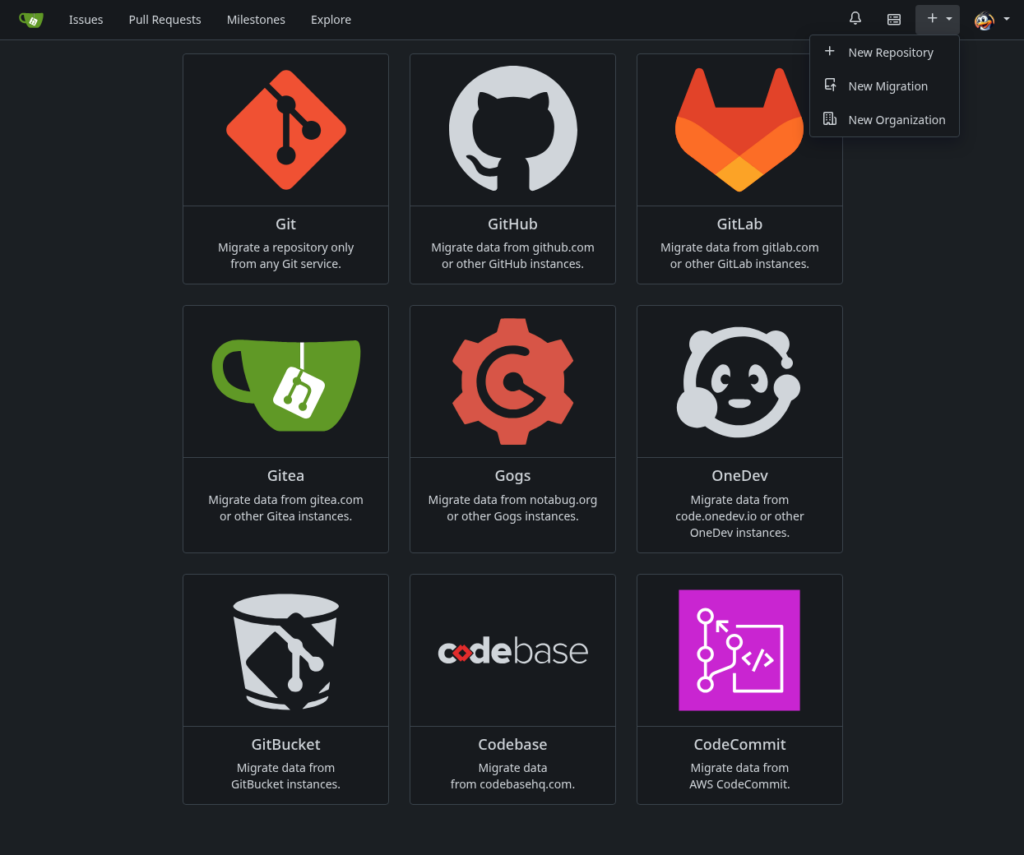
Which shocked me a little, not only because I wasn’t expecting to see the feature, but the overall quality and feel of the software was exceeding my wildest expectations. I was starting to think there was going to be a catch so I clicked through only to find a relatively simple form which not only offered to migrate the repo files, but literally everything including LFS attachments, Wiki’s etc. Too good to be true, I just knew it was going to fail …
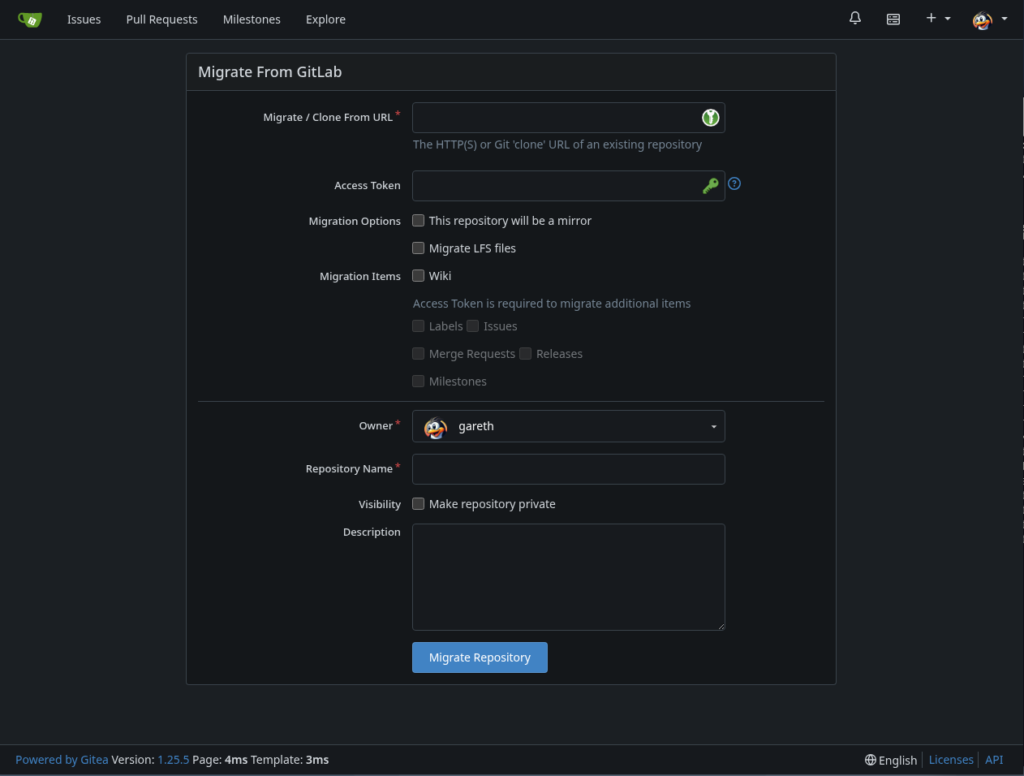
So 82 repositories later (that I’ve sucked in from my online GitHub and GitLab accounts) and I’m still waiting to see a problem. But wait, it get’s better …
Mirroring and 2-Way Sync
Now I’ve only had a limited amount of time to experiment with this so far, but it appears to be exactly what it says on the tin. It will allow you to have either a one way or two way mirror of your hosted repository and keep them in sync!
All the rest ...
If you’re waiting for me to say “BUT”, me too. The only thing I’ve tried to do which initially stumped me was to edit a Readme file in the UI, which I couldn’t as it doesn’t look like they’ve implemented an inline editor. However, it was quite happy to launch VSCode for me on the folder, which is probably a far better option than messing around with an inline editor.
Look and Feel
It looks and feels very mich like GitHub, maybe a little smoother and certainly a lot quicker. I’m running Gitea on a Raspberry Pi 5 inside a container using the binary install on a Debian base with the SqLite database. It FLIES compared to online hosted solutions.
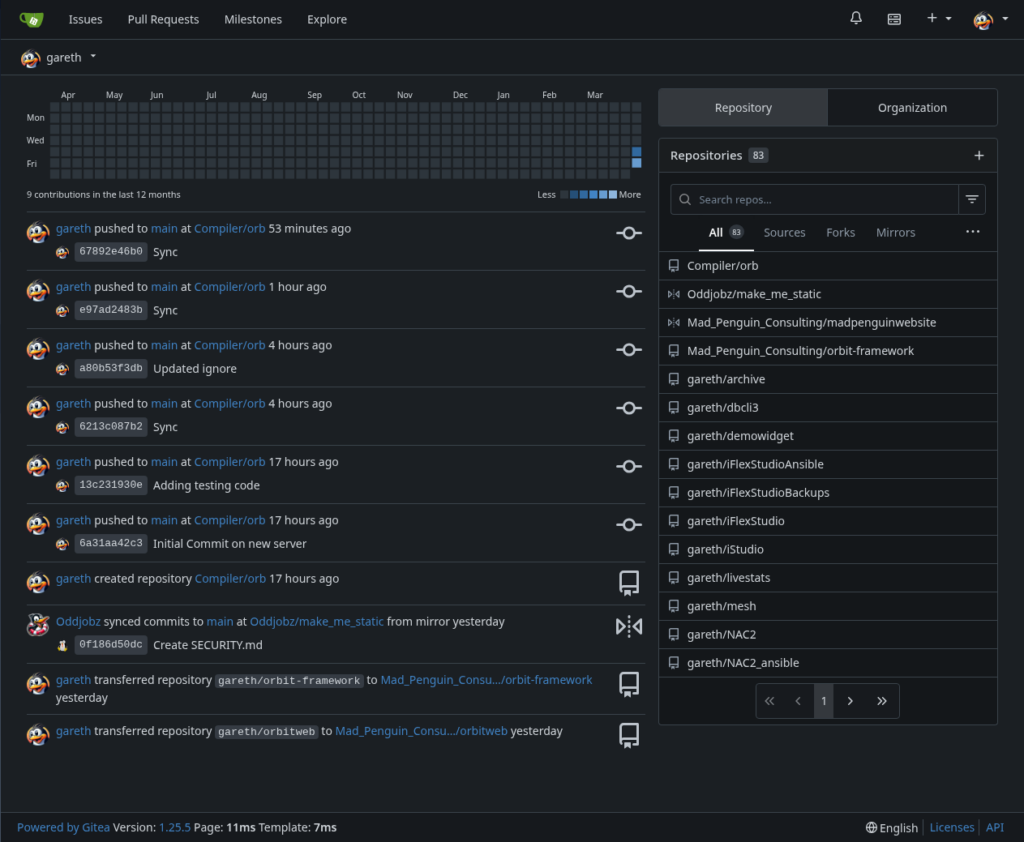
This setup allows me to work entirely offline with full control over my own backups, while still maintaining the flexibility to mirror specific repositories to GitHub or GitLab for cloud redundancy or public sharing. It is difficult to overstate just how responsive the interface is even running on the modest hardware of a Raspberry Pi 5, the performance is instantaneous.
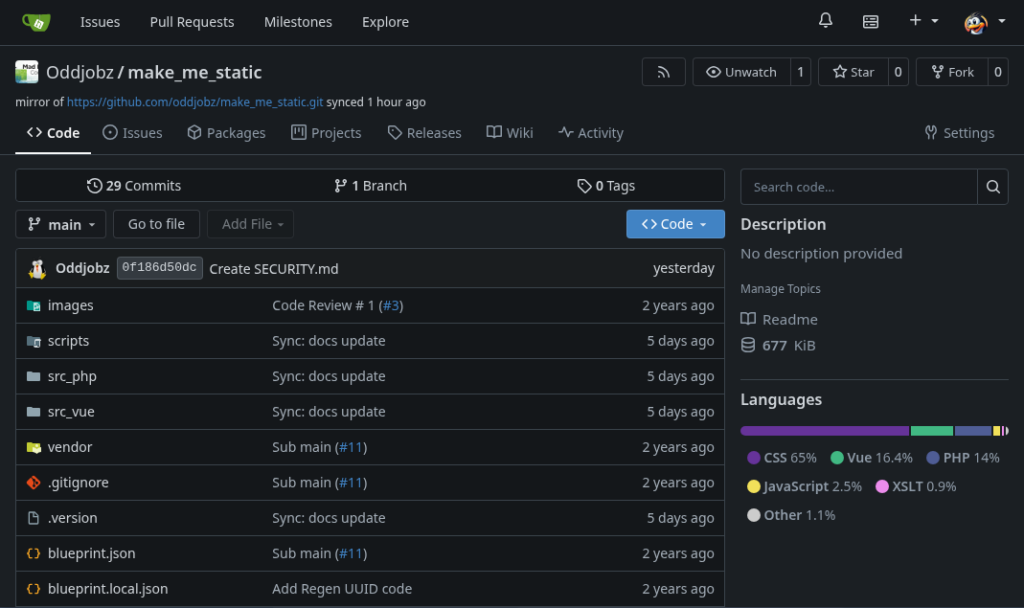
If you’re a GitHub user then it’s all going to feel fairly Normal, and if you’re a GitLab user, well, I think you’ll be pleasantly surprised.
The Summary
The bits that (for me) that really make it worthwhile;
- Migrations, automated repository imports
- Mirroring and Syncing, keep your local copies in sync with your cloud hosted repos
- Speed, it is SO quick
- Privacy, nobody will be training their LLM’s on your code (!)
- You’re not subject to changing terms from your hosting provider
- The Open Source version is free to Host yourself (it’s a 3 minute install)
- The Internet goes down, you don’t
- Low resource usage, my instance with 83 repo’s uses 158M on a Raspberry Pi
What’s still baffling me is why I didn’t notice this sooner …